“Everything Else”
There’s always more to it
Our
Git/ GitHub and Collaboration
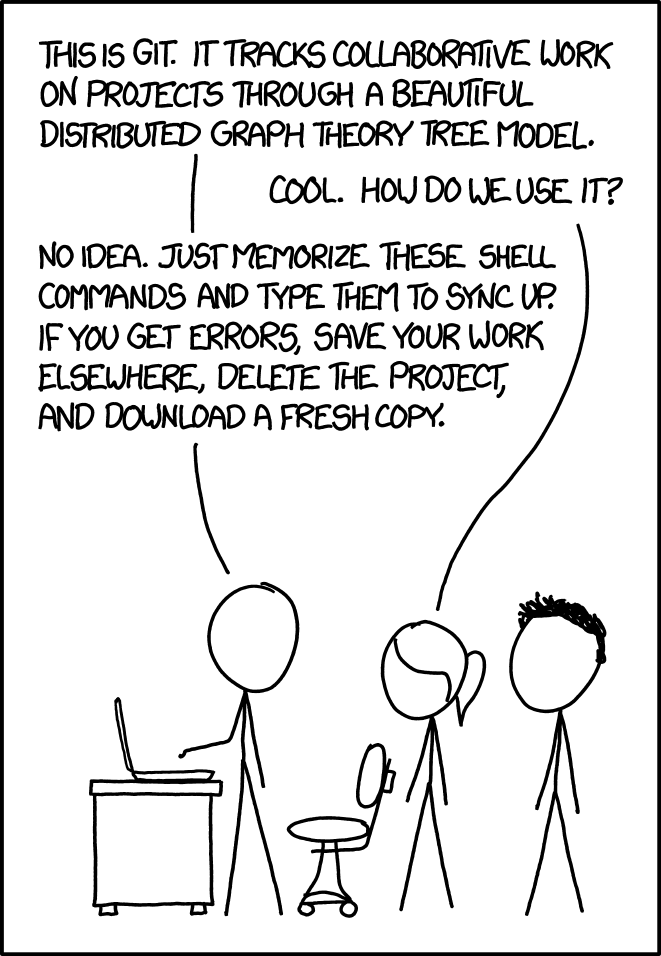
Our old friend GitHub (and the underlying technology, Git) are robust, industry-standard tools for version control and working together on code. But to some extent, we barely scratched the surface! These are some other important Git/GitHub concepts:
- Branches
-
Besides for our second project, we’ve used Git/GitHub primarily for solo, linear software development—but that is rarely how you work, especially at scale!
One of Git’s core concepts is a
branch (thinktree metaphors). These are new/separate versions of your entire repository—which you create (people saybranch , as a verb) off themaintrunk (nobody saystrunk though). When you do this to a separate repo it is calledforking (people do sayfork and such).Figma has started to adopt this concept, too!
- Merges
-
You might use these branches to develop a new feature, or to fix a bug, before you
merge these back intomain. Sometimes, someone else will have edited the same lines of code you were working on, in the meantime, and you’ll have to resolve amerge conflict —deciding whose work to take. (It can get messy.) - PRs (Pull Requests)
-
When you are working on big software projects/repos with multiple people—and when you don’t want to break
mainwith hasty merges—youpush your code up to GitHub and open apull request (everyone saysP - R ). This shows all your combined commits together, and allows your team to review and approve your whole batch of work before you merge intomain.
Working on Software
We also only barely “dipped our toes” into project management, roadmapping, working with devs, and all the other “soft skills” stuff that exists
- Agile
-
A popular way to structure software project management. Many product teams will use
Agile methodology as a way of prioritizing tasks—working in so-calledsprints orcycles (often two weeks) to deliver features incrementally rather than all at once.One way that Agile is practiced is with a
kanban board (from the Japanese system), a visual way of organizing tasks into discrete phases of work so that team members understand where differentstories (ortickets ,tasks , orissues ) are in the queue.Many tools are built around this mindset! It’s a bit like our roadmapping exercise.
- Annotating
-
Often a completed design in Figma isn’t enough for
handoff to a developer for implementation. There can be ambiguities in your design thatyou may have thought through, but need more explanation than the visual provides on its own. This could be how you expect an element to behave responsively, or maybe you have a specific dimension in mind, or you want to describe it in motion.Annotating (you used to hear it calledredlining —not to be confused with its other meaning) is a term for when youmark up your designs with information—key measurements or other important behaviors/traits. This forms thespec that a dev should implement.Figma’s
Dev Mode is aimed at this problem! - Markdown
-
We’ve encountered some
Markdown in our projectREADME.mdfiles (that’s the.md)—but it is worth calling out specifically, as it has really become thelingua franca for lightweight markup online. Its simple syntax is designed to keep plain text files readable, but allow basic formatting and structure when rendered out to HTML:.md# A first-level heading Some **text** in a *paragraph*. With [links](#anchor) and `some code`. 1. Lists 1. Are Quite 1. Simple > As are `blockquote`..html<h1>A first-level heading</h1> <p>Some <strong>text</strong> in a <em>paragraph</em>.</p> <p>With <a href="#anchor">links</a> and <code>some code</code>.</p> <ol> <li>Lists</li> <li>Are Quite</li> <li>Simple</li> </ol> <blockquote> <p>As are <code>blockquote</code>. </blockquote>Often when you use WYSIWYG text formatting tools, it is really Markdown “under the hood”—and is commonly used in code, documentation, messaging, and now in LLM input and output.
The entire course site is written in Markdown!
- Bus Factor / Bus Count
-
On small product teams, certain individuals may be the only ones who understand how a certain feature works or is implemented. The phrase
bus factor (orbus count ) is used in the lens of risk management—to make sure the product/team can continue if anyone gets “hit by a bus.”Always try to avoid a
bus count of one! Not just because of actual busses (and life stuff), but to distribute knowledge and understanding (and stress) among your team. - Technical (and Design) Debt
-
Very often, products have to make trade-offs between design or code quality to meet deadlines, or to handle
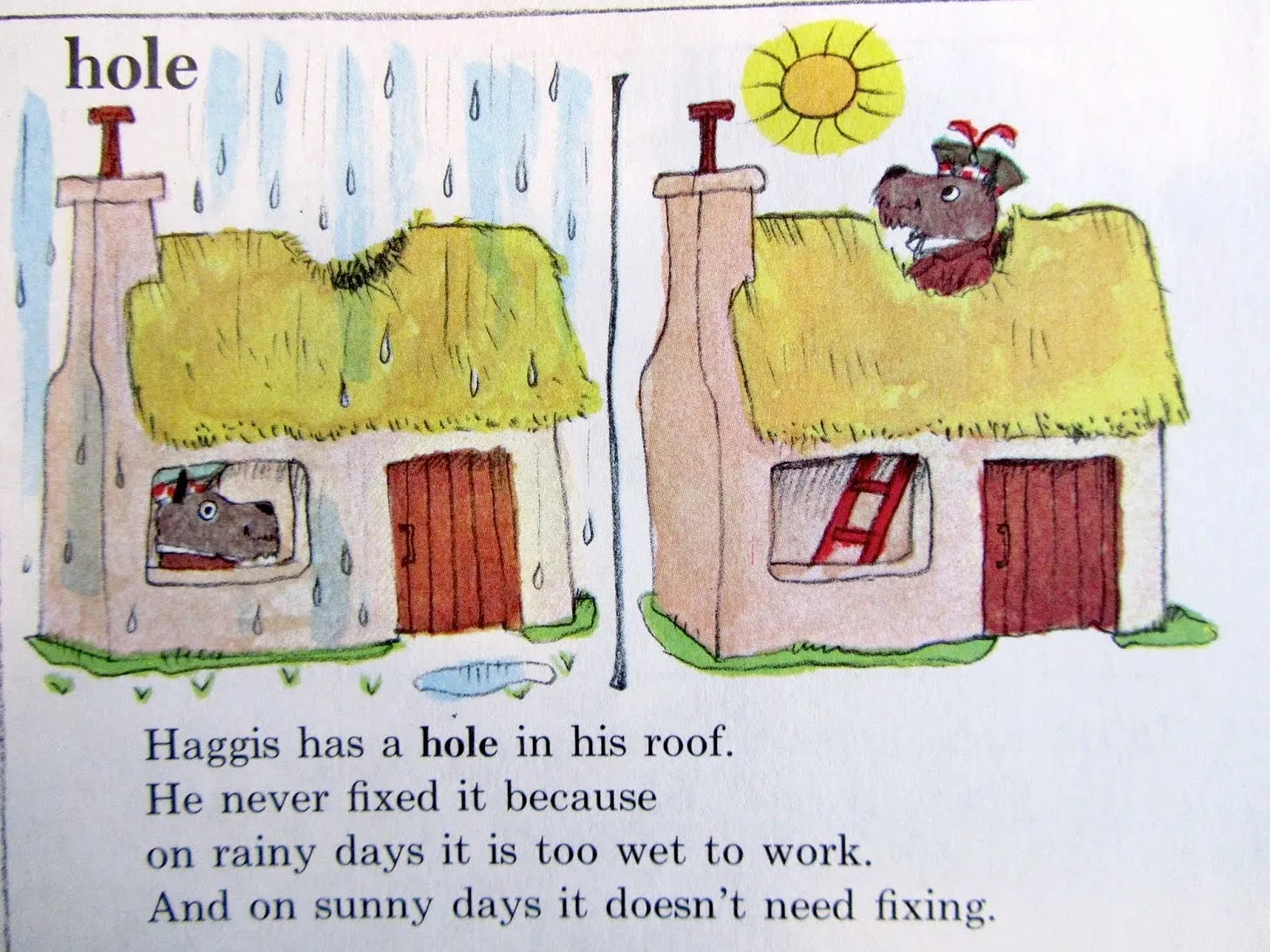
scope creep . These decisions sometimes come at the expense of either side—sacrificing the most nuanced design, or giving up on the most pristine, sturdy code. Often the short-term wins over the long-term.Technical debt (or the analogousdesign debt ) is the accumulation of these short-term decisions—where you have postponed doing it the right way. Like other forms of debt, these oftencompound over time—if you don’t pay them down or address them as you move forward.In this lens, it might be helpful to think of “AI”/ LLMs as
credit cards . They’ll let you spend quickly, but you’ll have to pay the debt eventually!Richard Scarry understood.
Dogfooding -
Often the best way—or at least the
first way—to make sure your product is up to snuff is by using and testing ityourself . This term is calleddogfooding , oreating your own dog food . (There are debates on the etymology.) It’s got to be good enough for you, before it is good enough for anyone else! (Or for dogs.)A famous example is Apple, when pushing desktop publishing in 1980, outlawing typewriters internally.
Accessibility
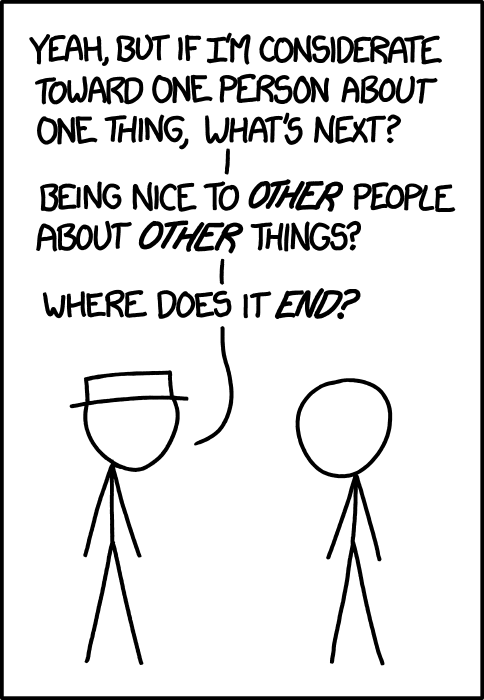
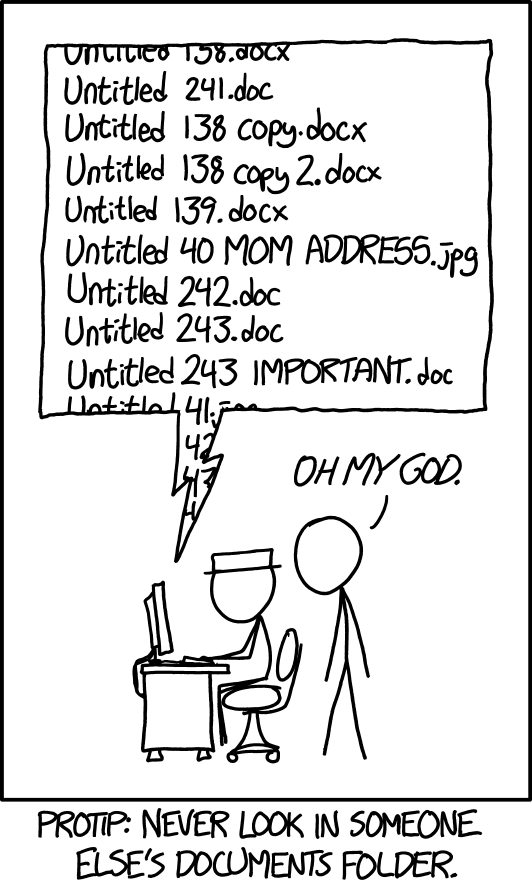
This is big, always-evolving topic—and one that should permeate all the others. We’ve mentioned it in passing, but know that it is a discipline unto itself and that
- A11y
-
A11y is a catch-all term for accessibility. This is shorthand for ensuring that your product is as inclusive as possible—for folks with different disabilities—often estimated to be around 15% of the world’s population.You will often see this kind of abbreviation (a
numerical contraction ) fori18n , forinternationalization . - Web Content Accessibility Guidelines (WCAG)
-
When in doubt, you can refer to the
Web Content Accessibility Guidelines —which are codified and published (aftermuch debate) by the W3C. We’re still working under WCAG 2.2, but there is a draft now for 3.0.They are not perfect, but are a useful framework—most easily understood as a series of
success criteria that your work should “pass.” An accessibile design/build should meet these goals!A great example: 1.4.1
Use of Color . - ARIA labels
-
While the best and most-basic way of writing accessible websites is to start with semantic DOM elements, sometimes there isn’t an appropriate one—this is where
ARIA (Accessible Rich Internet Applications ) labels come in.These are additional attributes you can add to an HTML element which help a screenreader to convey the meaning of your content:
<button aria-label="Close"><!-- A cool, close-y icon. --></button>These are particularly important for us as designers, where our aesthetic proclivities might lean towards making our designs
harder to access—by using icons, slight colors, etc. - VoiceOver / TalkBack / Narrator
-
These are platform-specific, commonly-used assistive technologies that are available in each OS: Apple’s
VoiceOver , Google’s (Android)TalkBack , and Microsoft’sNarrator .Many disabled folks use other screen-readers (namely JAWS and NVDA), but these are a good, built-in start.
“AI”/ LLMs IRL
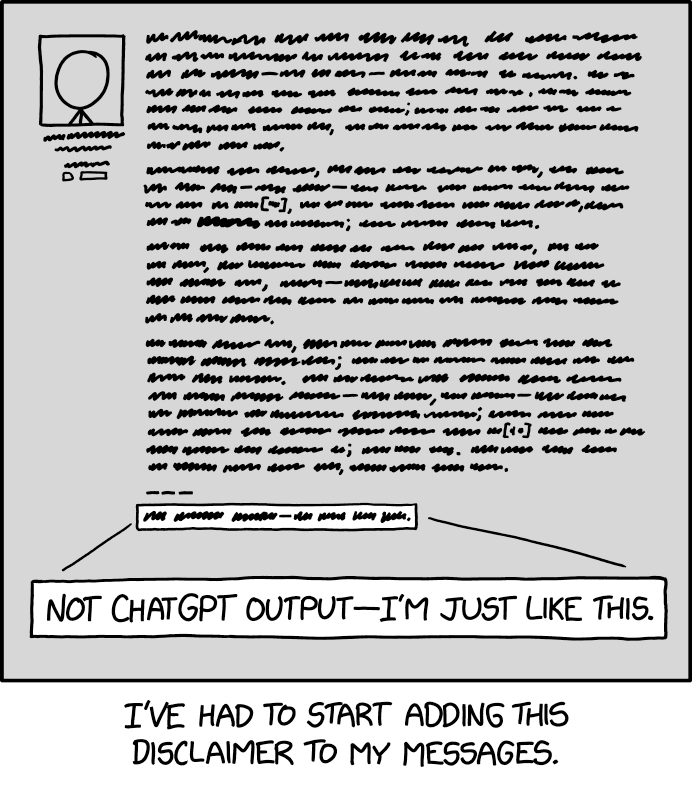
We know we’ve all talked
- Tokens
-
The very basic text unit of LLMs. It’s maybe easiest to think of
tokens akin towords , but sometimes split smaller, with semantic meaning. These are the inputs and outputs of the models—and also how usage is priced/limited. - Context window
-
Somewhat like RAM, the
working memory of a model—how manytokens it can consider or “remember” at a time. Largercontext windows are generally better/more accurate, but have a higher cost!Importantly, context windows are not
persistent memory—each session starts from scratch, and does not “remember” previous conversations or prompts (because it’d be too expensive). This is why providing enough (and consistent)context becomes critical. AGENTS.md&SKILLS.md-
Think of these like your
README.mdbut for coding agents—apre-written set of instructions, included in a repo, that add thatcontext for LLMs prior to any prompting. (Anthropic/Claude calls theirs…CLAUDE.md.) These are also usually hierarchical, such that you can have different instructions for different folders.This idea is being taken even further with
SKILLS.md—abstracting out instructions that tell an agent how to perform a specific, narrow task, often with references and examples included.The language here is always evolving, but the idea is that the LLM has any necessary context “baked in” to every prompt!
Oneshotting -
Or
one-shot prompting , a term borrowed from video game culture. In an LLM mindset, this is the goal of getting an elaborate-but-right response on the first try, from a single prompt. Contrast this with prompt-chaining, or follow-up prompting, and other forms ofsteering .Nobody serious cares about this or works this way!
Plan-then-Execute -
At the other end of the prompting spectrum—completely separating out the planning phase for agents. (
Claude andCopilot call this “plan mode.”) The first conversation/session is just to come up with theplan (often as aPLAN.mdtask-list); only later it will beexecuted .You might do this because of complexity (executing many steps), cost (constraining token use), time/delegation (go get lunch while it executes!), or safety (prevent damaging output/tool use).
This is also a form of
dry run testing—always a good idea! - MCP
-
Introduced by Anthropic but now widely adopted, the
Model Context Protocol is a specified way for LLMs to “talk” to other tools/programs/systems—beyond what they were originally trained with.Think of it somewhat like an standardized API for these other applications—letting an LLM “plug into” and work with your data and context elsewhere—like in Figma, Notion, Google, etc.
- So how do all these things even work, anyway…
-
It’s
extremely complicated! And way beyond the scope of today (and even our own understanding). We’ll point you to a few fun explainer videos: about algorithmic training (pre-transformer , theT inChatGPT ) and then a brief intro to LLMs (with a wholedeep learning series after). You can also visualize the basic process, step-by-step.To some extent, it’s only really knowable in a very broad sense—the scope of the maths/models and the scale of compute is truly incredible.
Approaches and Frameworks
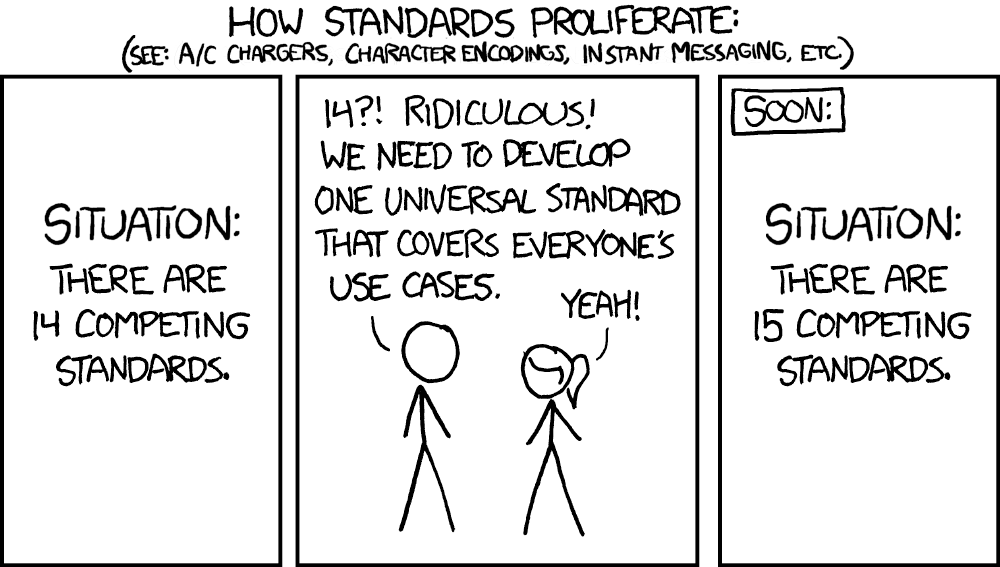
If you remember back to
- Open Source / FOSS
-
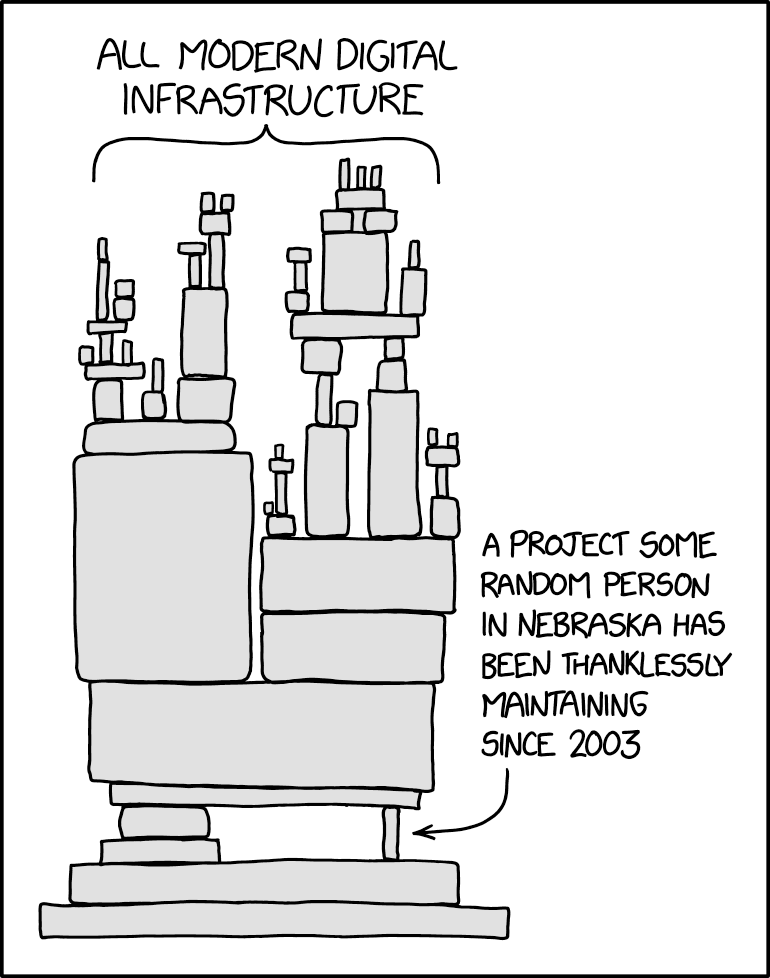
We always “stand on the shoulders of giants,” and much of the web—much of all software, and so the world—is based on
free and open-source software or FOSS.This means the code is
licensed such that you can use and modify it, free of charge. This is sometimes sponsored by software companies, but often is one or a few dedicatedmaintainers who keep the proverbial lights on. - Multi-Page Apps (MPAs) vs. Single-Page Apps (SPAs)
-
Much of what we’ve done this year could be called a
multi-page app —meaning just that your websites (products) have been comprised of discrete, separate HTML pages. Remember that the web started as simpleMPA , though the term didn’t exist yet!As the capabilities, uses, and needs of the web grew it became more
app-like —with complicated interactions, changes, andstate within a single “page.”Frameworks (like React or later, Vue) were created to facilitate this behavior, via JavaScript—creating a more dynamic experience within one browser session.The right approach will always depend on the project! But remember that at the end of the day, the browser is always still showing you HTML (from somewhere), styled by CSS (from somewhere), maybe enlivened by JavaScript (from somewhere). There are a lot of ways at that. Your audience won’t know (or care).
Keep in mind you can do a lot by just stringing HTML pages together! Especially with nice View Transitions, these days.
- Static vs. dynamic sites
-
Similarly, as some of you came up against in your last project—our free GitHub Pages hosting is
static , meaning that only you can change your pages, in code.This works for some things, but many sites use server-side languages (PHP, Ruby, Go, Next.JS, Node, etc.) that communicate with databases (MySQL, Postgres, etc.). These are how most sites are made
dynamic —constructing pages, storing information, responding to visitor requests, allowing sign-in, and so on.The line here is getting even blurrier—when you hear things like
server-side rendering ( SSR ) andpartial hydration —which blend static and dynamic elements together. - UI frameworks & Component libraries
-
These are all created to simplify building web apps, by not “reinventing the wheel.” But because frameworks have to be opinionated to work (think back to
The Web’s Grain ), a downside is that many websites that use these have a boring sameness to them.The framework
du jour for a long time was Bootstrap (created by Twitter, back when it was Twitter). Nowadays, you might see Radix,shadcn/ui, MUI, Chakra UI. Starting to look familiar?In a small environment you’ll likely be working with an existing (
legacy ) framework or component library of some sort, so understanding these trade-offs is important. Familiarity (and speed) vs. personality!
In CSS Land…
- SASS (
.SCSS) -
As you may have noticed, writing CSS can be repetitive and tiresome!
Way back in 2006, some (
very opinionated) folks developedSASS (Syntactically Awesome Style Sheets )—which is a CSS preprocessor that extends the language with helpful tools. It is its own syntax (mostly based on CSS) which getscompiled (processed) into normal CSS, which your browser understands. It isvery commonly included in frameworks/build tools!Recently,
much of the utility/need for SASS has been obviated by CSS adopting similar features, like parent selectors (:has), custom properties (variables) and CSS nesting. - BEM
-
You might have also noticed that coming up with CSS class names can be difficult, as well—and only gets worse as your projects get larger.
BEM (Block, Element, Modifier ) is a commonly-used nomenclature methodology/practice to deal with this (and also avoidspecificity problems).It follows the pattern
.block__element--modifierin classnames—and these double separators (__and--) are sometimes seen even in non-BEM -y contexts. Any system is better than no system! - Tailwind (Utility / Atomic CSS)
-
On the other end of the spectrum—an alternative approach to CSS naming—is following a
utility class ,atomic methodology.These use many, many small, descriptive or directly-property-mapped class names (think
.redor.flex) across any elements, all in HTML. This approach is nowkleenexed asTailwind —the most popular utility framework. Styling there is done entirely by applying the existing vocabulary in your HTML, not writing CSS!Your instructors wrote our own
atomic CSS library at MoMA that we called Sol, baking-in/formalizing the brand. It seemed like a good idea at the time!